Sessions start every fifteen minutes, so nobody waits for Tuesday.
Choose how your recording runs: the moment somebody registers, on a repeating interval, or at fixed times. The registration page always says when the next one is.
- 01
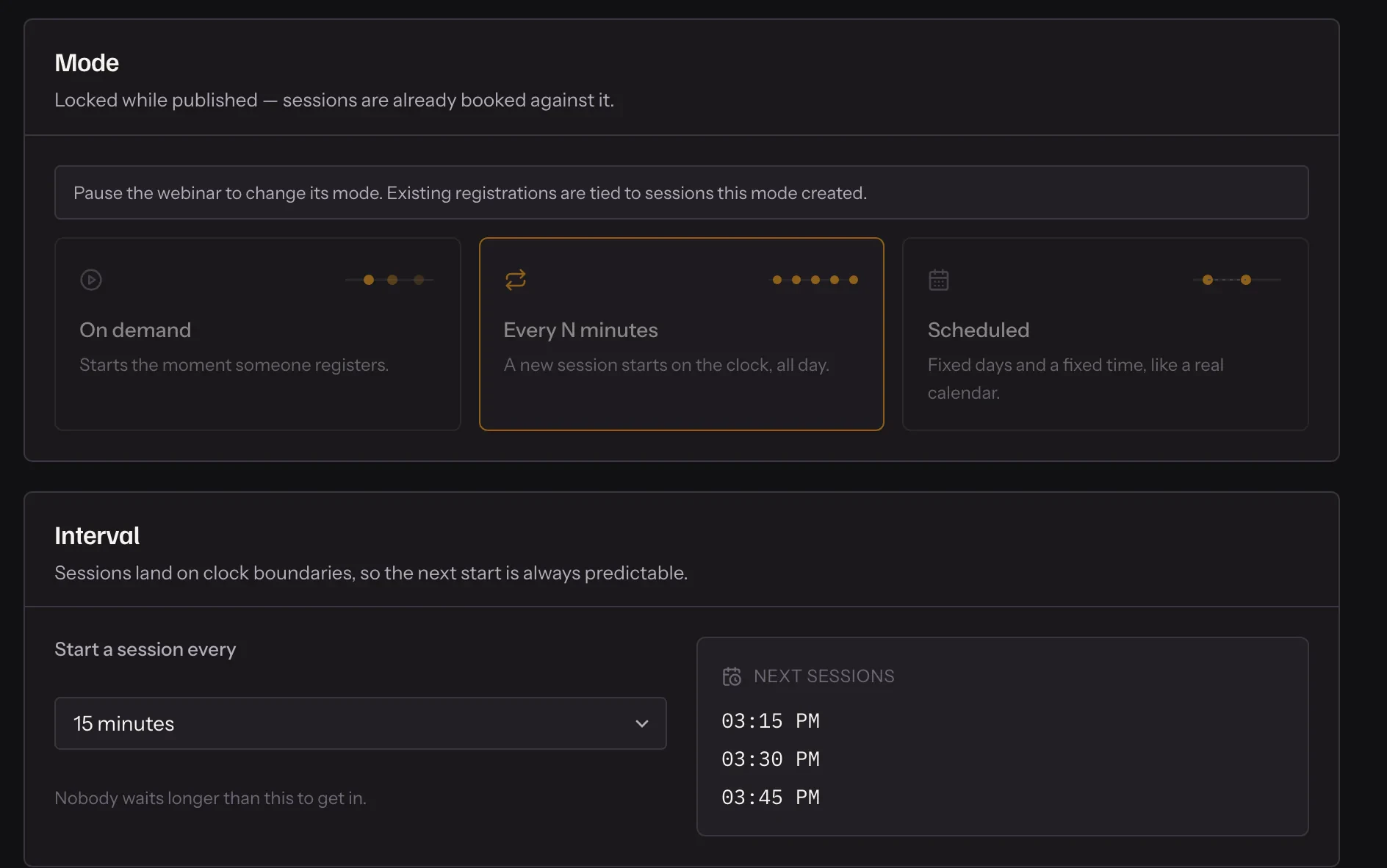
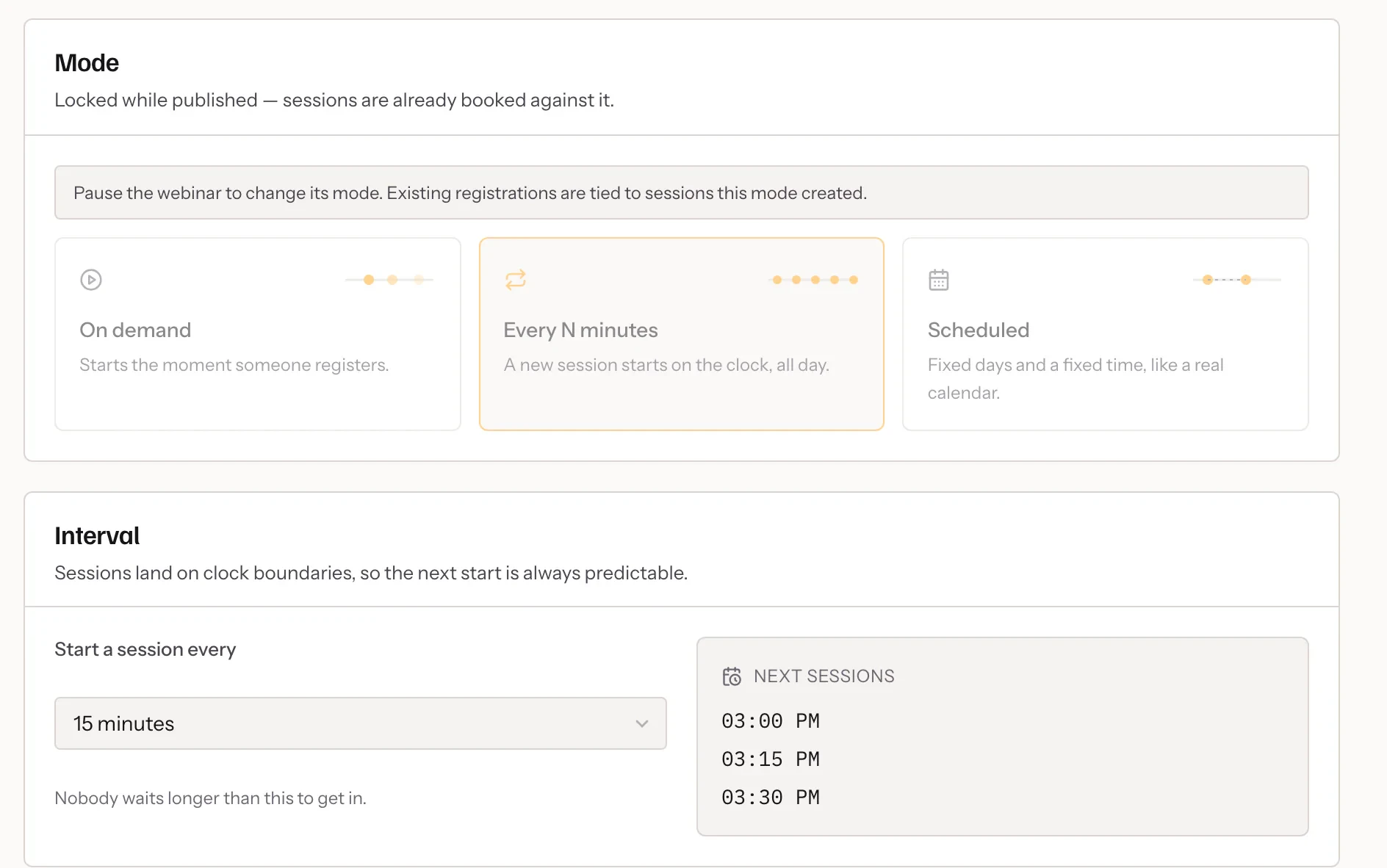
Pick a mode
On demand, every 5 to 60 minutes, or a timetable.
- 02
Set your hours
Keep interval and on-demand sessions to the hours you choose.
- 03
Let it run
Sessions are created as people register, and reminders follow.

In practice
Three ways to run, one registration page
On demand starts a session the moment somebody registers. Interval runs on the clock — every 5, 10, 15, 30 or 60 minutes, at the same marks every hour. A timetable runs on the days and times you set, and previews every session it will produce before you publish.
Your hours, not three in the morning
On-demand and interval webinars can keep to running hours and days you choose, in your timezone. Outside them, the registration page simply says when the next session is. Attendees see every time in their own timezone.
Coming back, or coming once
By default people can attend as often as they like. For a launch or a paid workshop, limit each person to one attendance across every session: once they have joined a session that has finished, the form will not book them another.
What it includes
- On demand
- A session starts the moment somebody registers.
- Every few minutes
- Sessions on the clock — :00, :15, :30, :45 for a fifteen-minute interval.
- On a real timetable
- Fixed days and times, with a preview of every session they produce.
- Late arrivals handled
- Choose how late somebody can join; past that, they are offered the next session.
- One attendance, if you want it
- Limit each person to a single attendance for a launch or a paid workshop.
Questions
What timezone do sessions run in?
Yours. Attendees see times in their own timezone on the registration page.
Can I pause it?
Yes. Pausing a webinar stops new sessions without losing anything.
Will someone ever wait an hour?
Not on a fifteen-minute interval during your hours. A new registrant is always given the next start, never one already running.
Can I see upcoming sessions?
Yes. The schedule screen previews the sessions a timetable will create, and Live now shows the ones running.
Try it on your own recording
Fourteen days with everything switched on, no card.