Upload one video. Get a whole webinar.
Cued listens to your recording and writes the registration page, the reminder emails and the chat that runs alongside it. Tick one box and it publishes itself, with sessions every fifteen minutes.
- 01
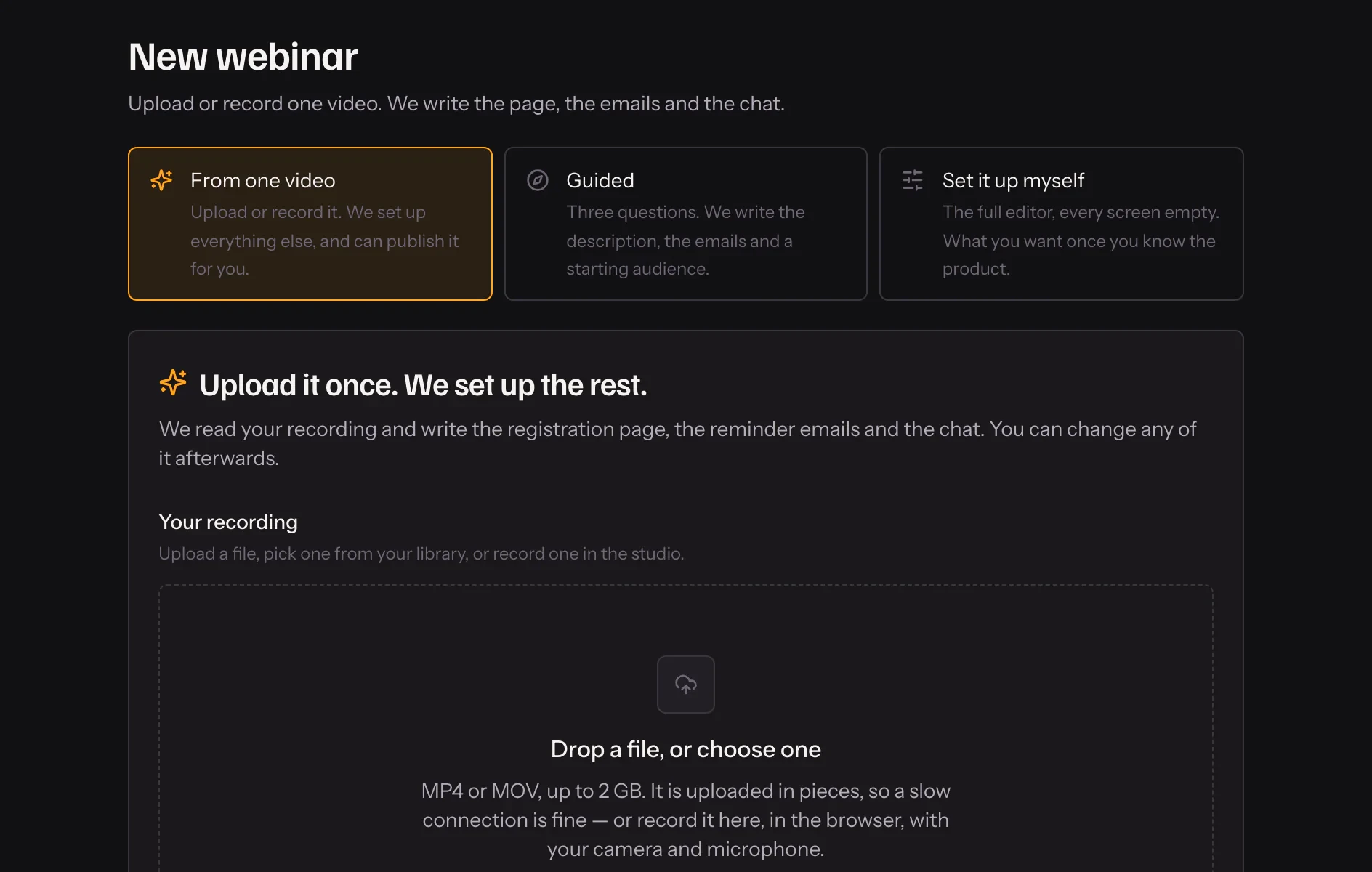
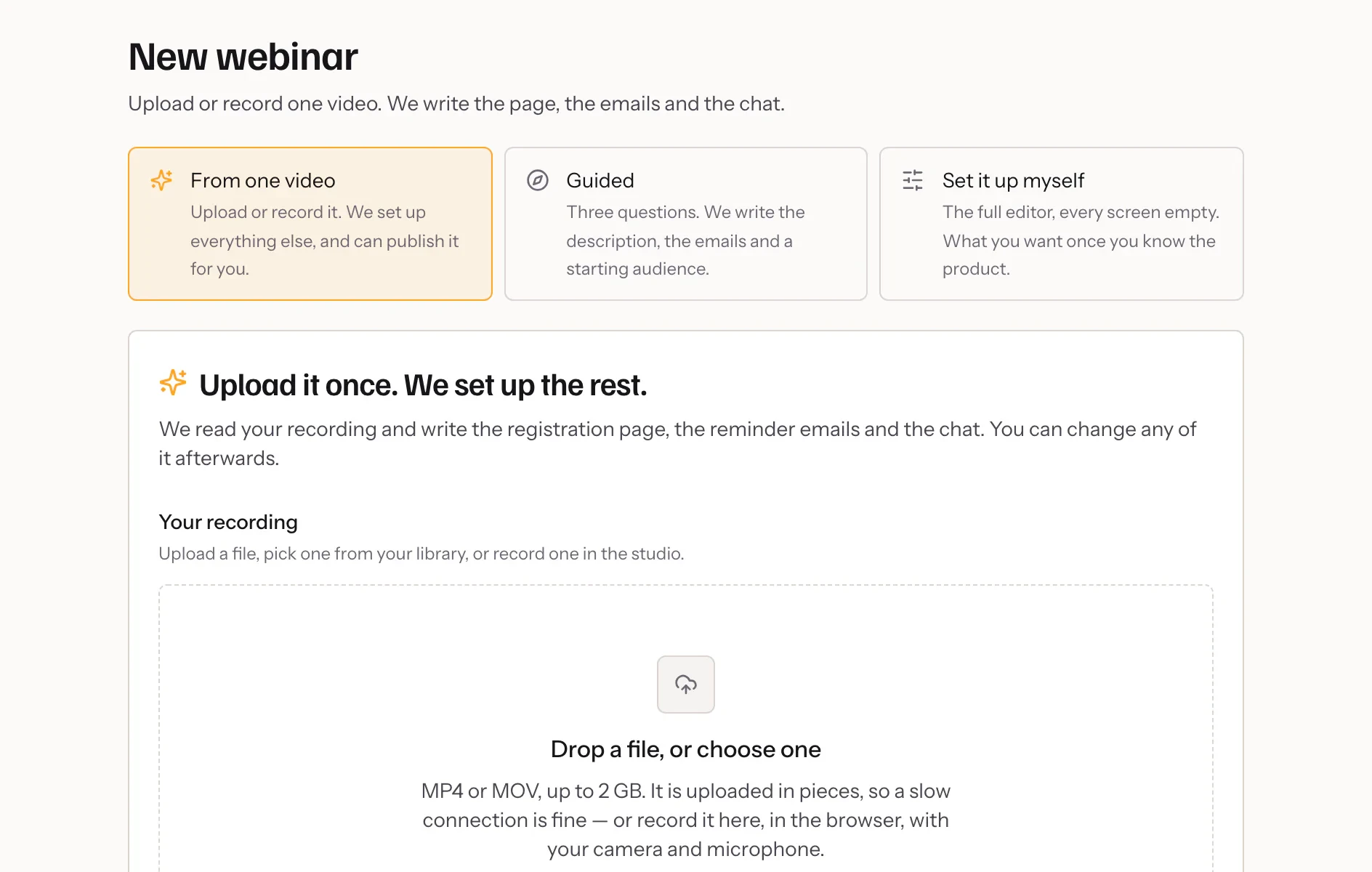
Upload or record
Drop in a file, pick one from your library, or record in the browser.
- 02
We read it
The recording is transcribed and turned into a title, a description, emails and a room.
- 03
Share the link
Publish it yourself, or let it go live the moment it is ready.
In practice
What it reads, and what it writes
Your recording is transcribed first. From the transcript Cued writes a title and a description for the registration page, the reminder emails, and a set of chat cues pinned to the moments in the talk they react to. Nothing is invented from a template when the recording says it better.
Where you still decide
You choose whether it publishes on its own or stops at a draft. Either way everything it wrote is ordinary content: the description opens in the same editor, the emails in the same reminder screen, the cues on the same timeline. Change a word, delete a cue, add your own — it is your webinar from the first minute.
When AI is not available
If your account has no AI minutes left, or the feature is off, setup still finishes. The page and emails are written from your answers instead, and the checklist on the webinar tells you what is left to do by hand.
What it includes
- Written from what you said
- The title and description come from the recording, not from a template guessing at it.
- A room that is already warm
- Chat is written to the moments in your talk, in the language you spoke.
- Every piece is editable
- What it writes is ordinary content, changed on the ordinary screens afterwards.
- You decide when it goes live
- Publishing is a box you tick before you start, or a button you press after.
Questions
What if I would rather check it first?
Untick “Publish it when it is ready” and it stops at a draft for you to read through and publish yourself.
Does it work without AI?
Yes. If AI is unavailable on your account it still builds the webinar, with the page and emails written from a template, and tells you what to finish by hand.
How long does it take?
It depends on the length of the recording. Processing usually finishes while you do something else, and you get an email when the video is ready.
Can I use a video I already uploaded?
Yes. Pick one from your library instead of uploading again; one recording can sit behind several webinars.
Try it on your own recording
Fourteen days with everything switched on, no card.