Record in your browser. No OBS, no export.
Put your camera, a PDF or PowerPoint deck, a clip or your screen on one stage and present. The finished video is exactly what was on stage, at the moment it was.
- 01
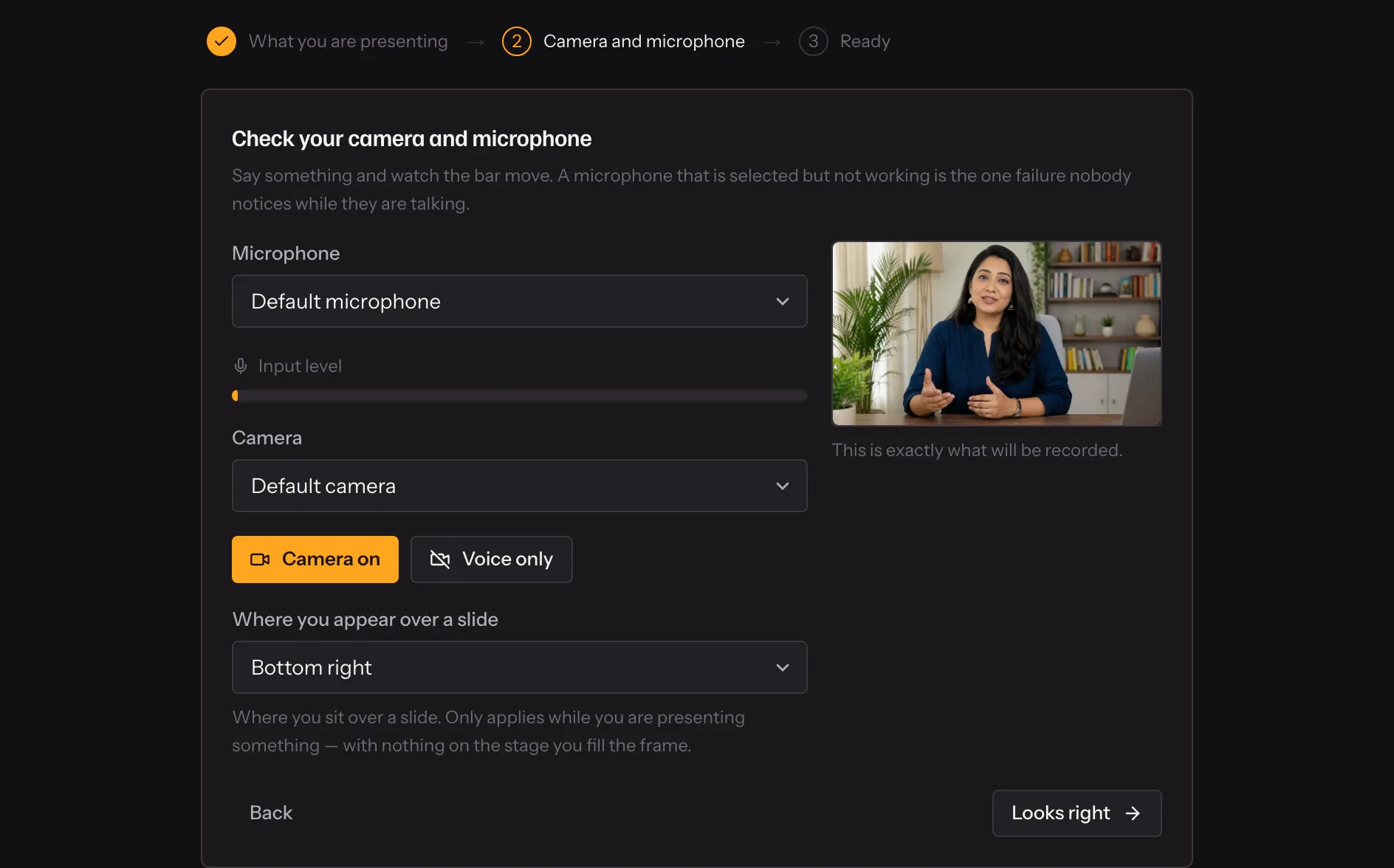
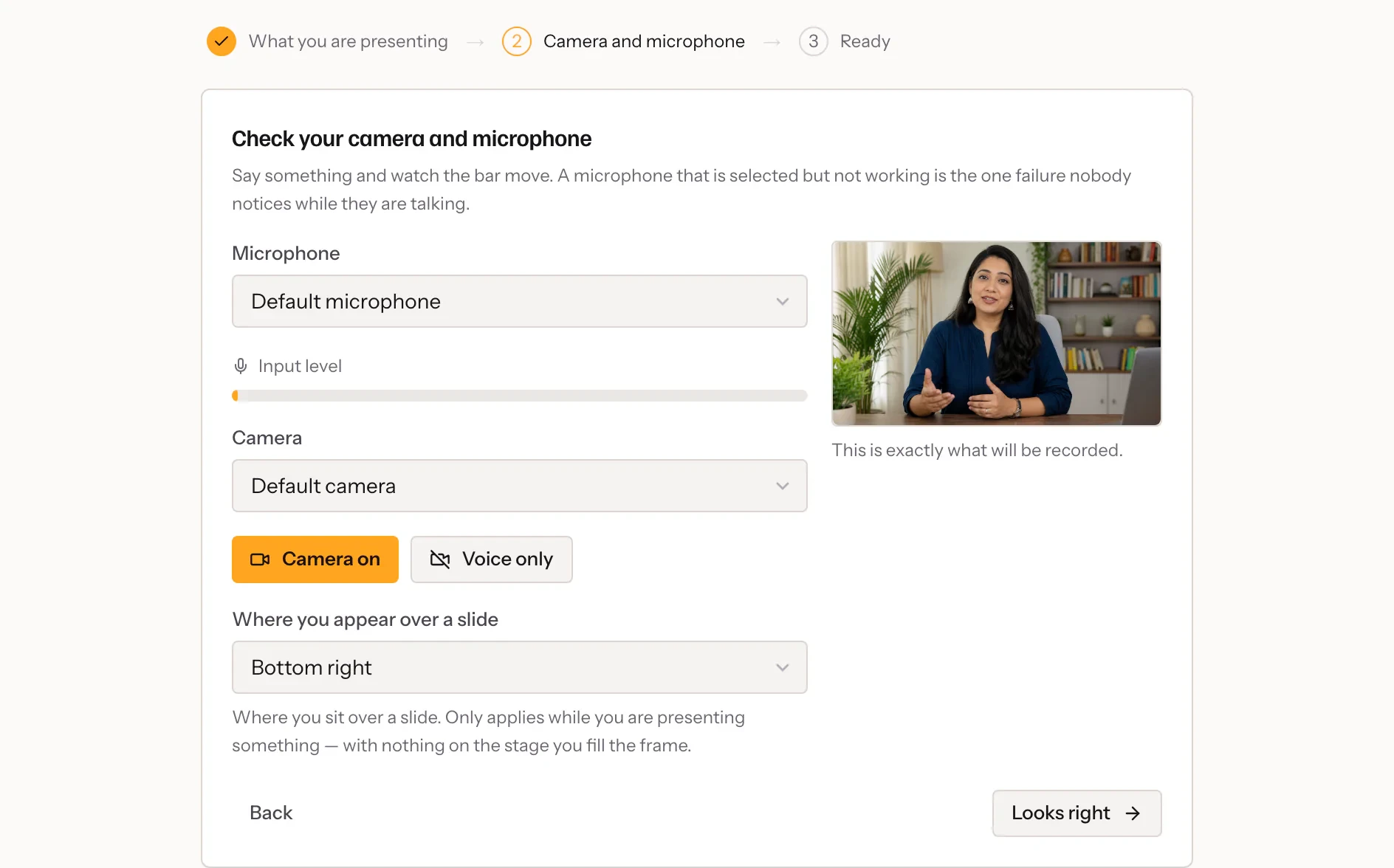
Check your setup
Pick a camera and microphone, with a live level meter.
- 02
Present
Page through slides, play a clip, share your screen.
- 03
It processes on its own
You get an email when it is ready to use.
In practice
The stage is what gets recorded
The studio draws your camera, slides, a clip or your screen onto one stage, and records that stage. Page through a deck and the recording pages through it at the same moment. Share your screen for a demo and it is in the video exactly when you shared it.
Bring the deck you already have
PDF and PowerPoint decks are turned into pages when you upload them, so they are ready to present the moment you open the studio. Files are kept with the webinar they belong to, and you choose which ones appear in the picker for a take.
From the last frame to a usable video
The recording uploads while you present, so finishing does not start a long upload. Processing happens on our side and you get an email when it is ready. A test take runs the whole path once and does not count against your allowance.
What it includes
- The stage is the recording
- Decks, clips, screen share and you — recorded as they were shown.
- A free test take
- Run the whole path once before the first real take. Test takes do not count.
- Change things mid-take
- Mute, switch camera, present or share without stopping.
- One recording, many webinars
- Attach the same video to several webinars; it is stored once.
Questions
Which plans include recording?
Recording is on every paid plan, with allowances that differ, and on the free trial.
Can I upload a video instead?
Yes. MP4 or MOV up to 2 GB, uploaded in pieces so a slow connection is fine.
Do I need to install anything?
No. The studio runs in a current desktop browser and checks your camera and microphone, with a live level meter, before you start.
Can I delete a take I do not want?
Yes. Deleting archives it first, so a mistake can be undone; archived takes are removed after thirty days.
Try it on your own recording
Fourteen days with everything switched on, no card.